Why Your Video Upscaler Is Probably Watching Your Content (And What to Do About It)
If you enhance videos using cloud-based tools, your footage leaves your device. Here’s why that matters — and why on-device processing is the only real answer.

The dirty secret of “free” video upscalers
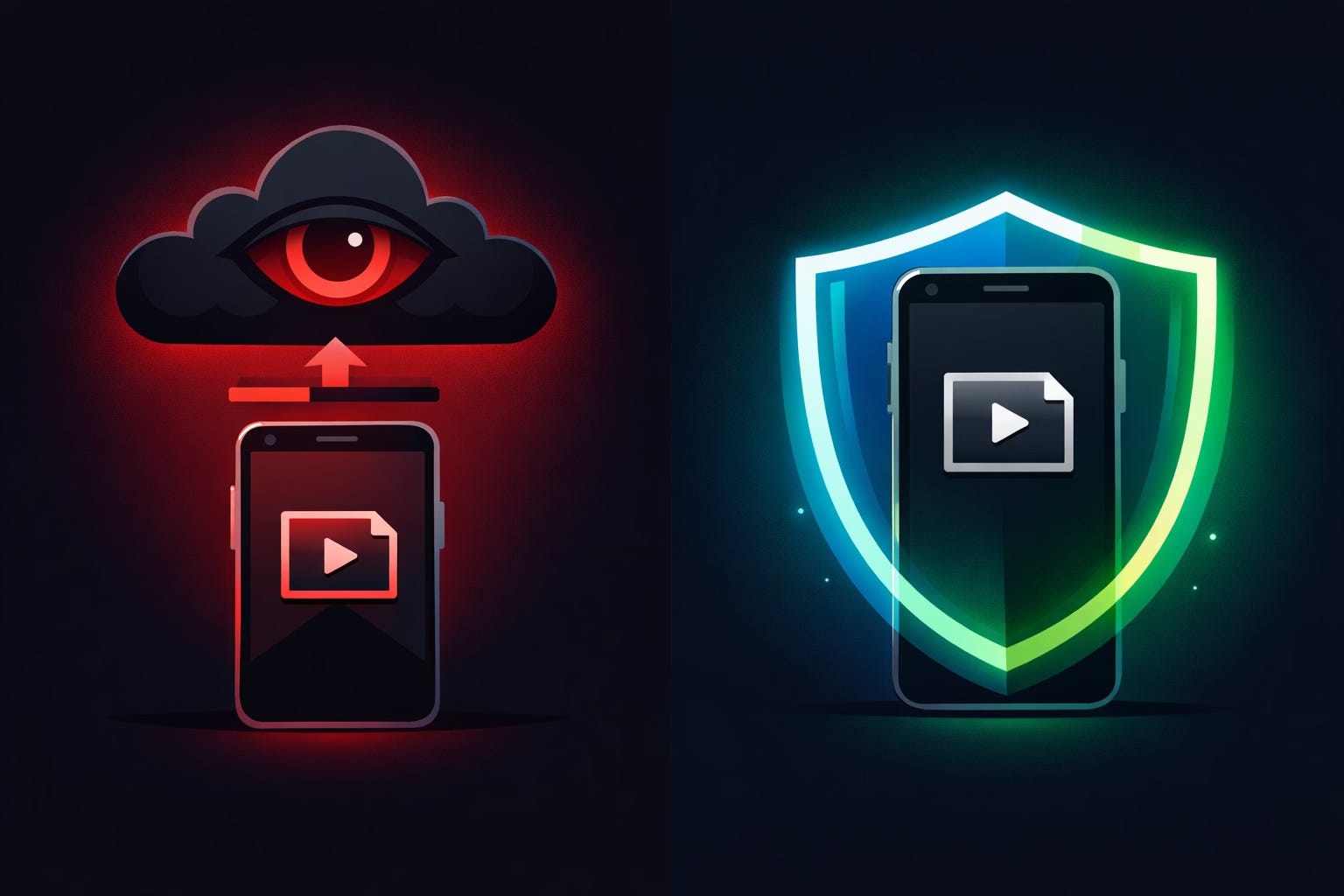
Every time you upload a video to a cloud-based upscaling service, you’re handing your raw footage to a third party. Their servers process it, store it (at least temporarily), and in many cases, their terms of service grant them a license to use your content for “service improvement” — which often means training their AI models on your material.
For most people uploading a cat video, this is fine. But if you’re a content creator — especially one who produces premium, exclusive, or intimate content — this is a serious problem.
Think about what “cloud processing” actually means:
Your video is uploaded to someone else’s server
It sits on their infrastructure during processing
You have zero visibility into how long it’s retained
Their TOS may allow them to use your content
A data breach exposes your footage, not theirs
Their employees may have access during processing
If your income depends on content exclusivity — and for many creators, it absolutely does — this is an unacceptable risk.
“But I just want to make my videos look better”
Fair. And you should. Video quality directly impacts engagement, subscriber retention, and revenue. A sharp, well-enhanced video performs measurably better than a grainy one — on any platform.
The problem isn’t wanting to upscale your content. The problem is how most tools force you to do it.
The dominant video enhancement tools — Topaz Video AI, Kapwing, Canva’s upscaler, various browser-based tools — all work the same way: your video goes up to the cloud, their servers do the work, the result comes back down. Some are desktop apps (Topaz — Windows/Mac only), some are entirely browser-based (Kapwing, Canva). None of them run on your iPhone. None of them keep your footage entirely on your device.
For creators who shoot, edit, and publish primarily on their phone, this creates an awkward workflow gap. You capture on your iPhone, but then you need to transfer to a desktop or upload to a browser tool just to enhance quality. And every transfer point is a potential leak.
On-device video upscaling: the approach that should be standard
On-device video upscaling means the AI models run locally on your phone’s hardware. Your footage never leaves the device. No upload, no cloud, no third-party server ever touches your content. You can literally do it in airplane mode.
Until recently, this wasn’t technically possible for video on a phone. Image upscaling on-device has existed for a while, but video requires processing thousands of frames — a much heavier computational load. Older phones simply couldn’t handle it.
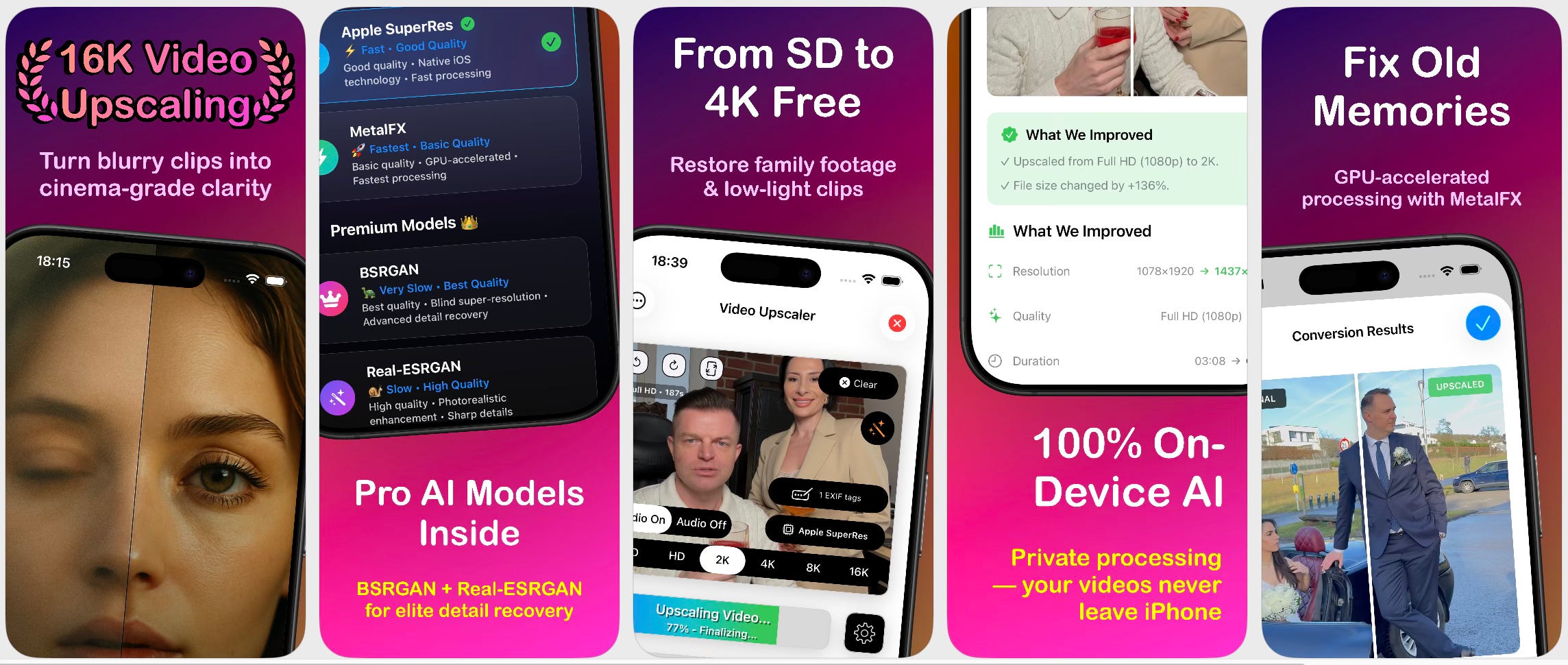
What changed is that Apple’s own frameworks caught up. MetalFX — a technology Apple originally built to make AAA games run faster on their chips — turns out to be remarkably effective at video upscaling. It works by intelligently predicting missing pixels rather than just stretching them, the same way it reconstructs game textures in real time. Combine that with dedicated neural network models like BSRGAN and Real-ESRGAN running through Apple’s CoreML, and you get genuine AI video upscaling running entirely on the phone’s GPU and Neural Engine.
The practical result: you can take a soft 720p video on your iPhone, run it through on-device AI, and output a sharp 4K result — or even 8K/16K if you need it — without the video ever leaving your device.
Who actually needs this?
Anyone who values content privacy, but some groups more than others:
Premium content creators — If you sell exclusive content on platforms like Patreon, Fanvue, OnlyFans, or Fansly, your unreleased footage is literally your inventory. Uploading it to a third-party cloud service before it’s published is like a fashion brand sending next season’s designs to a random warehouse for alterations. The risk-reward calculation makes no sense when on-device alternatives exist.
Journalists and documentary filmmakers — Source protection matters. If you’re enhancing footage of sensitive subjects or locations, running it through a cloud service creates a record that the footage exists.
Corporate communications — Internal product demos, unreleased marketing material, pre-announcement content. Companies routinely prohibit cloud processing of sensitive material, yet individual employees do it anyway because the tools are convenient.
Parents and families — Your children’s videos don’t need to visit someone else’s data centre. Full stop.
Anyone who’s ever read a terms of service — If more people actually read what they agree to when using “free” cloud tools, on-device processing would already be the default.
What to look for in an on-device video upscaler
If you’re evaluating tools, here’s what genuinely on-device means:
Works in airplane mode. If the app requires internet to process video, it’s not on-device. Simple test.
Multiple AI models, not just a sharpening filter. Real upscaling uses trained neural networks (BSRGAN, Real-ESRGAN are the current gold standard). A “sharpen” slider is not upscaling — it’s edge enhancement. Actual AI models reconstruct missing detail from patterns learned across millions of video frames.
Support for meaningful output resolutions. On-device doesn’t mean limited. Implementations using MetalFX and CoreML can output 4K, 8K, and even 16K.
A free tier that lets you verify before paying. If an app demands payment before you can see any result, you can’t verify it actually works.
Transparent privacy policy. “We don’t collect your videos” should be verifiable by the app’s behaviour, not just their words.
The bottom line
Cloud-based video upscaling is a convenience trade-off that most people make without thinking about it. For casual use, the risk is low. But if your content has any commercial, personal, or professional sensitivity, on-device processing isn’t a premium feature — it’s a baseline requirement.
The technology exists today. It runs on modern iPhones. There’s no longer a technical excuse for handing your footage to someone else’s servers.
Your content. Your device. Your control.
I build Video Upscaler 16K — an iOS app that does AI video upscaling entirely on-device using four models: BSRGAN, Real-ESRGAN, Apple SuperRes, and MetalFX. No cloud. No uploads. No account required. The free tier gives you unlimited conversions up to 4K using Apple SuperRes and MetalFX. Available on iPhone, iPad, Mac (Apple Silicon), and Apple Vision Pro.